
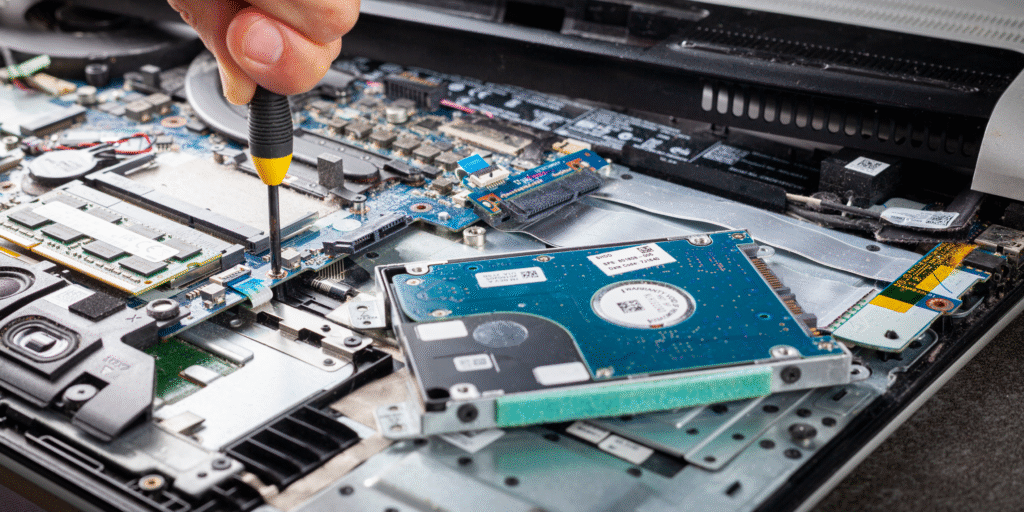
If your smartphone, tablet, or laptop has suddenly stopped working despite a recent screen or battery replacement, the issue might go deeper than you think. That’s where microsoldering comes in. This advanced repair technique addresses component-level damage that standard repairs can’t reach.
At Fix Devices Shop, our certified technicians specialize in microsoldering to bring dead devices back to life. Whether you’re facing boot loop issues, no power, or damaged traces on the motherboard, we’ve got the tools and expertise. Microsoldering isn’t just any repair—it’s precision surgery for your device’s motherboard.
Because this topic touches on device security and data preservation, it qualifies under YMYL (Your Money or Your Life) content standards. Our insights are based on industry knowledge, years of experience, and credible sources.
What is Microsoldering?
Microsoldering is a highly skilled process that involves soldering under a microscope to repair or replace tiny components on a device’s logic board. These components include capacitors, resistors, IC chips, and connectors, often invisible to the naked eye.
Unlike basic mobile phone repair or tablet repair, microsoldering requires specialized tools, training, and a clean, static-free environment. It is often the last step before declaring a device irreparable—and in many cases, it works wonders.
When Does Your Device Need Microsoldering?
1. No Power or Boot Loop
If your phone or tablet won’t turn on or keeps rebooting, the logic board might be shorted or have a faulty chip. Traditional methods won’t help here—microsoldering is necessary to pinpoint and fix the damaged circuit.
2. Touch Not Working After Screen Replacement
Sometimes after a mobile screen repair near me, the touch functionality fails. This could be due to damaged connectors on the motherboard, requiring microsoldering to reflow or replace those connections.
3. Water Damage
If your device fell in water and now acts erratically, it’s often because microscopic corrosion has damaged internal connections. Our cell phone repair experts often rely on board-level diagnostics and microsoldering to restore function.
4. Audio or Charging Port Issues
If replacing your charging port or speaker assembly didn’t help, the problem may lie in the logic board. Microsoldering fixes the deeper circuits that control these features.
5. Data Recovery
When phones are dead and you urgently need data—especially in cases of iPhone repair—microsoldering is used to temporarily revive the logic board for safe data extraction.
Microsoldering vs. Regular Repair
| Feature | Regular Repair | Microsoldering |
|---|---|---|
| Tools Used | Screwdrivers, spudgers | Microscope, soldering iron, hot air rework station |
| Complexity | Low to medium | High |
| Technician Skill | Moderate | Advanced |
| Repair Time | 30–60 mins | 2–5 hours |
| Cost | Lower | Higher but more value |
Microsoldering is particularly common for Mac repair, iPad repair, and Samsung tablet repair, where complex board designs make typical repair methods ineffective.
Common Devices That Require Microsoldering
- iPhones with Touch IC disease (common in iPhone 6/6 Plus)
- iPads with broken FPC connectors
- MacBooks with liquid damage or blown backlight circuit
- Samsung Galaxy devices with NAND or baseband issues
- PlayStation and Xbox boards with HDMI or power rail issues
Is Microsoldering Worth It?
In many cases, microsoldering saves hundreds of dollars by restoring the existing device instead of forcing a replacement. If you’re in a region where access to new phones is limited or expensive, this can be the best path forward.
Microsoldering also allows you to buy used phones or sell my iPhone with more confidence—knowing repairs can go deep if needed. At Fix Devices Shop, we even help clients buy used smartwatches and service them with board-level care.
Signs You Need Expert Microsoldering
- Device gets hot and shuts off
- No image but the phone vibrates
- Not charging despite a new battery
- Green lines or flashing screen after screen replacement
- Device only works when plugged in
Why Choose Fix Devices Shop for Microsoldering?
- Certified, board-level repair specialists
- State-of-the-art lab with static-safe workstations
- Trusted by hundreds of clients searching mobile repair + [client location]
- Affordable pricing with full transparency
- Support for brands like Apple, Samsung, Sony, and more
You can request a quote instantly through our Instant Quote Tool or Get in Touch for more info.
Conclusion
Microsoldering isn’t for every device—but when you’ve exhausted the basics and still have no success, it can be the deep fix your phone, tablet, or console needs. Trust experts like Fix Devices Shop to diagnose and restore what others can’t.
Don’t throw away your dead phone or computer just yet. Let our specialists assess it. The repair might just be a few micro-points away.
FAQs
Q1: How long does a microsoldering repair take? A: Most board-level repairs take between 1 to 5 hours, depending on the complexity of the issue.
Q2: Is microsoldering safe for my data? A: Yes. It’s often used for data recovery. We take precautions to avoid damage to memory components.
Q3: Can microsoldering fix water-damaged phones? A: In many cases, yes. Especially if corrosion has damaged vital pathways, microsoldering can help restore power and function.
Q4: How much does microsoldering cost? A: Prices vary but range from $80 to $250 depending on the device and type of damage.
Q5: Do all repair shops offer microsoldering? A: No. It requires specialized tools and training. Always check credentials before trusting a shop.