
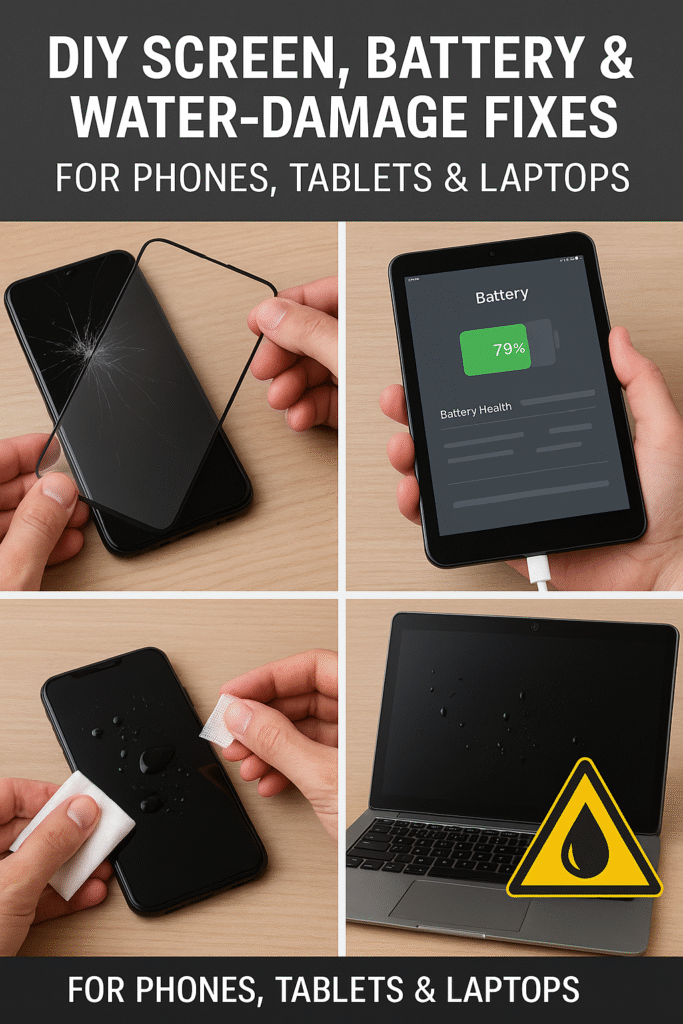
Cracked screens, failing batteries, and unexpected water spills are the most dreaded mishaps for any gadget owner. But what if you could fix these common issues at home—safely and effectively—without heading to a repair shop right away?
Whether you’re dealing with a glitchy phone screen or a waterlogged laptop, knowing what you can do before professional help is critical. At Fix Devices Shop, we’ve helped thousands of users recover their devices, and we’re sharing our expertise to empower you with practical, step-by-step solutions.
This blog covers EEAT-aligned, expert-verified advice to help you decide when a DIY fix is enough and when it’s time to seek certified repair services. From minor battery hiccups to spill emergencies—this guide will walk you through it all.
Disclaimer: This content is for informational purposes only. If you’re unsure or uncomfortable with any of the methods mentioned, consult a certified repair technician. Visit Fix Devices Shop Services for trusted professional support.
What This Guide Covers
- DIY fixes for cracked or frozen screens (phones, tablets, laptops)
- Safe steps to test and improve battery performance
- Immediate actions for water-damaged devices
- When to stop and seek professional help
- Preventive care tips to extend device life
Section 1: Understanding the Common Device Issues
Cracked or Frozen Screens
Cracked screens are a visual and functional nuisance. The severity can vary—from a light scratch to a shattered touch panel.
Common causes:
- Dropping the device
- Pressure damage (sitting on or packing it tightly)
- Heat-related expansion
How it impacts devices:
- Loss of touch sensitivity
- Dead pixels or display bleeding
- Cracks exposing internals to moisture and dust
Battery Drain & Failure
Battery issues can appear suddenly or build up over time. You may notice quick drain, overheating, or a phone that won’t charge.
Why it happens:
- Overcharging or undercharging
- Faulty charging cables
- Aging battery cells
- Software bugs
Water and Liquid Damage
Water is one of the most destructive elements for any electronic device.
Devices most affected:
- Smartphones with unsealed ports
- Tablets used in kitchens/bathrooms
- Laptops exposed to spills or humid environments
Effects:
- Short-circuiting internal components
- Corroded circuits
- Screen fogging or flickering
Section 2: DIY Fixes You Can Try
How to Temporarily Fix a Cracked Screen
Method 1 – Use a Screen Protector
- Apply a tempered glass screen protector to prevent further cracking
- Helps maintain touch sensitivity and prevents cuts
Method 2 – Clear Packing Tape
- Place clear tape over the cracked area
- Cut off excess for a clean fit
- This is a temporary solution only
When to Stop:
- If the glass is cutting your fingers
- If the screen flickers or becomes unresponsive
Visit Fix Devices Shop Warranty to learn how accidental screen damage is handled under coverage.
How to Test and Improve Battery Health
H3: Method 1 – Battery Calibration
- Drain the battery to 0%
- Charge uninterrupted to 100%
- Repeat once a month to reset battery sensors
H3: Method 2 – Disable Background Activity
- Go to settings > battery > app usage
- Restrict apps consuming too much background energy
H3: Method 3 – Check with Battery Apps
- Use trusted tools like AccuBattery or CoconutBattery
- These apps help you track charge cycles and battery wear
Still facing issues? Reach out through Get in Touch for a free diagnostic.
H2: Emergency Fixes for Water-Damaged Devices
H3: First 5 Seconds Matter
- Turn off the device immediately
- Disconnect any cables or accessories
H3: Remove Excess Water
- Use a lint-free cloth to wipe down surfaces
- Avoid shaking the device—this can spread liquid internally
H3: Let It Dry
- Place the device in a dry, ventilated area
- Use silica gel packs if available (better than rice)
What NOT to Do
- Don’t use a hairdryer—it pushes moisture further in
- Don’t plug it in until professionally checked
Consider claiming accidental damage support via Fix Devices Shop Claim.
Section 3: Knowing When to Stop and Seek Help
Signs You Need Professional Help
- Screen is black or bleeding under glass
- Battery swells or overheats regularly
- You see corrosion or a burning smell
Risks of Continuing DIY Repairs
- Voiding warranty
- Creating short circuits
- Permanent data loss
How Fix Devices Shop Can Help
- Expert repair with certified parts
- Warranty protection included
- Walk-in and mail-in options available via About Us
Section 4: Preventive Tips for the Future
Invest in Protective Gear
- Shockproof phone cases
- Keyboard covers for laptops
- Anti-splash sleeves for tablets
Routine Maintenance Tips
- Clean ports with a soft brush monthly
- Check battery usage weekly
- Update firmware regularly to fix bugs
Environmental Awareness
- Avoid charging near water
- Store devices in dry, padded compartments
- Keep silica packets in your tech bag
Conclusion
While some problems need a professional fix, many common device issues can be handled safely at home. You now know how to tackle minor screen damage, test battery health, and respond swiftly to water emergencies.
But remember—when in doubt, it’s better to trust certified repair experts. Fix Devices Shop offers secure, transparent, and fast repair options you can rely on. Explore our services or reach out to our team through the contact page.
FAQs
Q1: Can I use rice to dry a wet phone?
A1: Rice is a common myth. It’s not effective at removing deep moisture and may leave dust. Use silica gel instead.
Q2: Is it safe to replace my phone battery at home?
A2: It depends on the model. iPhones and some Androids require special tools. DIY replacement risks damage if you’re not experienced.
Q3: What’s the best screen protector for a cracked screen?
A3: Tempered glass protectors are ideal as they prevent further damage and maintain usability until a full repair.
Q4: Can I claim water damage under warranty?
A4: Check Fix Devices Shop’s Warranty Policy. Accidental damage may be covered under extended plans.
Q5: How long should I wait before turning my wet phone back on?
A5: At least 48 hours of complete drying is recommended. Better yet—let a technician assess it first.